Applications and Software
to practice anytime, anywhere!


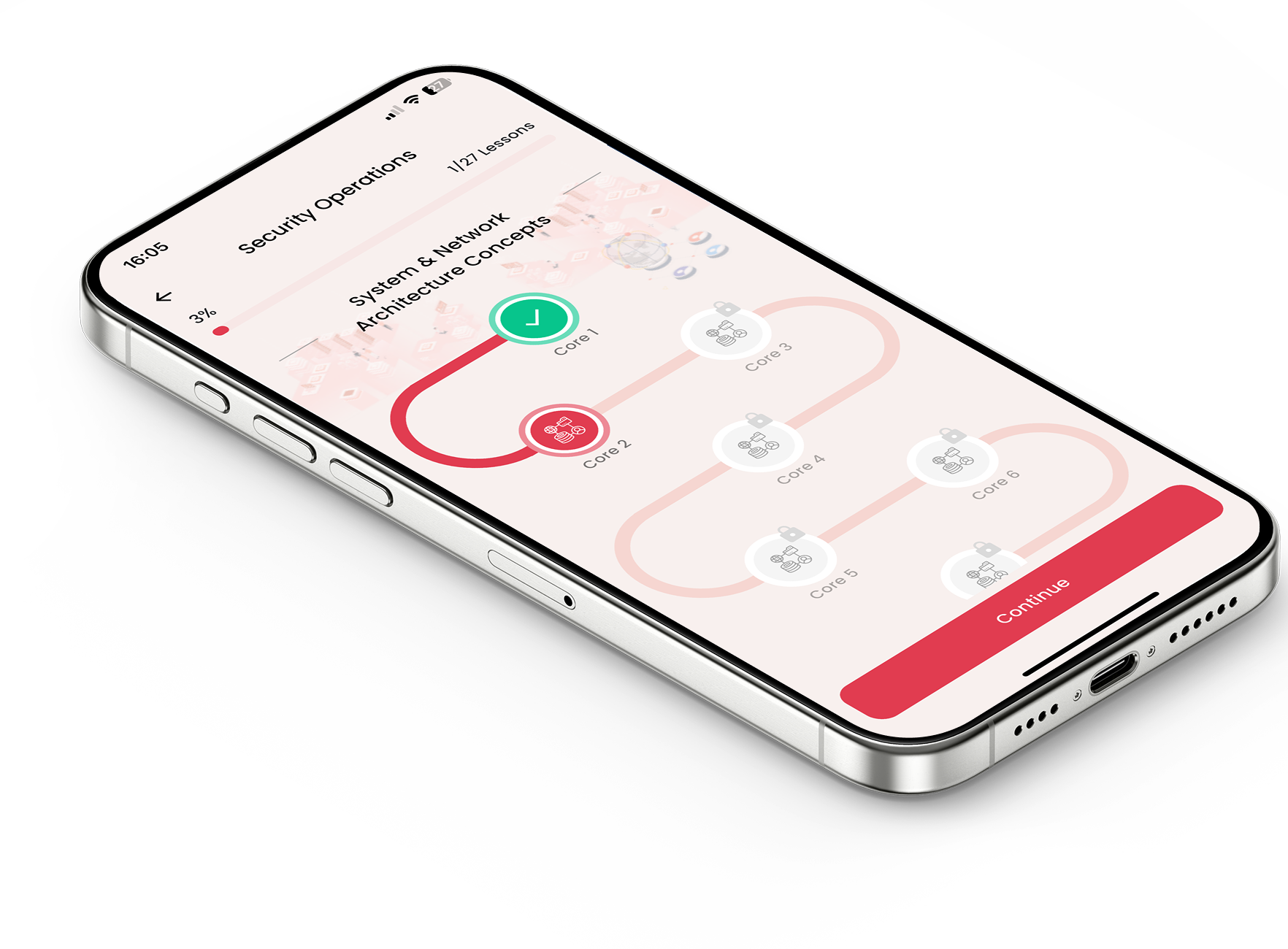
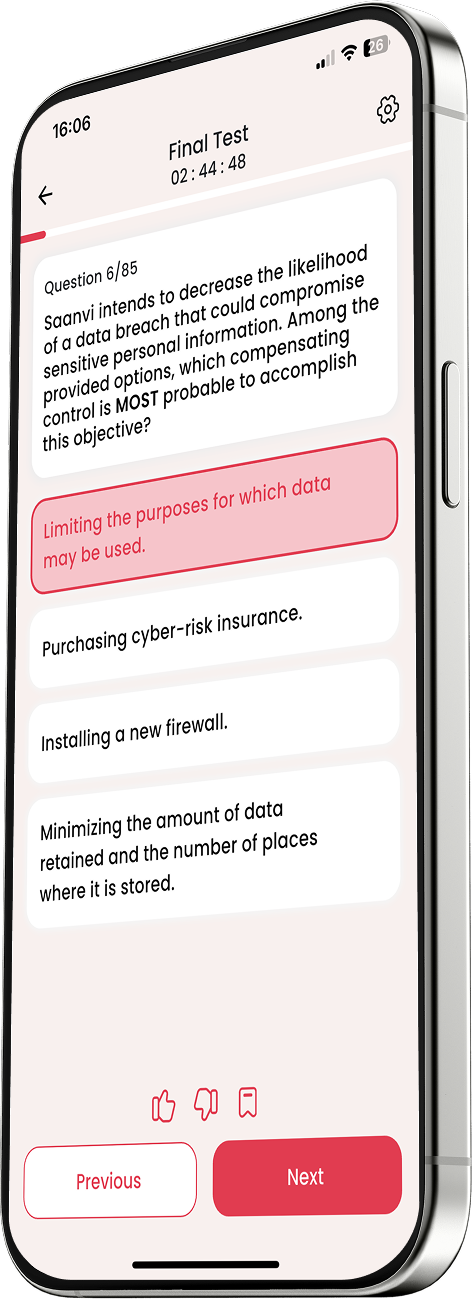
Nailing your certification exam becomes much simpler when you use a dedicated CompTIA Tech+ Applications and Software practice test to anchor your study routine. Mastering the digital ecosystems, operating systems, and deployment strategies used by modern businesses is an essential milestone for any tech professional. This interactive tool shifts your preparation from passive reading to active problem-solving, identifying your exact weak spots so you can walk into test day fully prepared.
Navigating the extensive landscape of business programs and operating systems requires shifting your focus from simple hardware to user-end technology. On Easy Prep, this practice module is deliberately configured to simulate real-world IT scenarios, ensuring you fully grasp how software is deployed, managed, and secured across different workplace architectures.
Operating Systems and Platform Ecosystems: This module analyzes the mechanics of the major platforms keeping enterprises active, including Windows, macOS, and Linux, alongside mobile giants like iOS and Android. You will face questions about tracking system file management, default utilities, terminal commands, and how to spot compatibility conflicts before deploying software upgrades.
Application Delivery and Software Architecture: Modern software does not just live on a hard drive anymore. The test challenges your understanding of varied delivery models, comparing locally installed desktop programs against web-based tools and cloud-hosted Software as a Service (SaaS) platforms. You will also learn to differentiate between open-source models and proprietary software licensing agreements.
Data Storage and Database Foundations: Managing data effectively is essential to modern software engineering. You will dive straight into relational versus non-relational database structures, understanding how structured tables utilize queries to extract information, and testing your awareness of flat-file storage compared to structured database management systems.
Web Browsing Mechanics and App Configuration: Web applications serve as the baseline interface for digital workflows. This part of the test reviews secure browser setup, caching, extensions, cookies, and proxy settings. You will practice troubleshooting common web application errors, ensuring seamless cloud connectivity for remote workforces.
To widen your study scope beyond programs and applications to ensure you hit every single objective on the official exam blueprint, be sure to use the full CompTIA Tech+ practice test available on our main learning hub. Blending your application reviews with this comprehensive evaluation creates a robust, all-inclusive study framework that covers hardware, networking, and security protocols alike.
Carving out a successful space in the modern tech landscape requires an elite grasp of the software programs that fuel corporate productivity. Prioritizing a comprehensive CompTIA Tech+ Applications and Software practice test ensures you actively understand how these tools operate rather than just memorizing definitions. Refine your software troubleshooting skills, take control of your learning track, and walk into your testing center with the confidence to succeed.