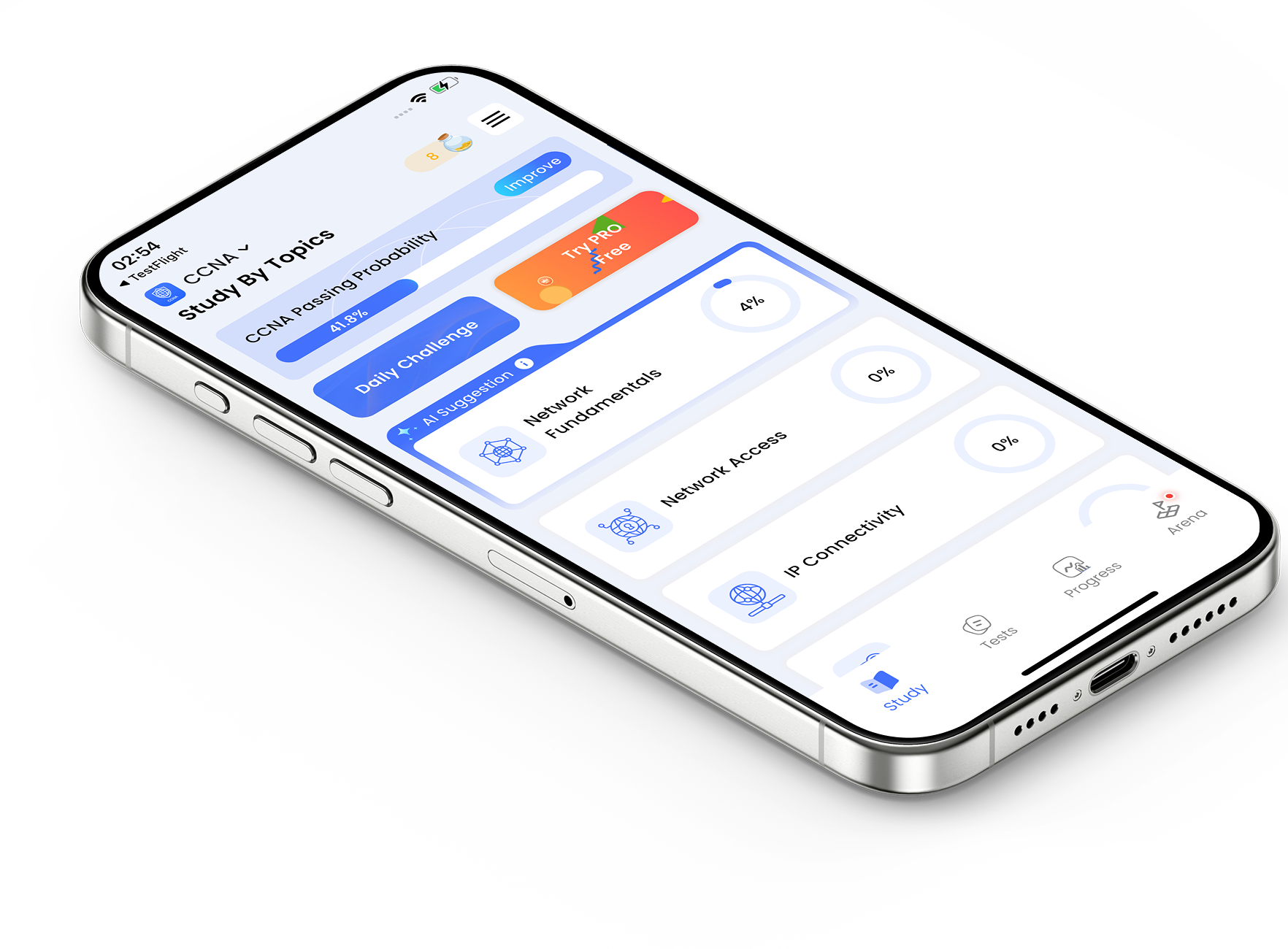
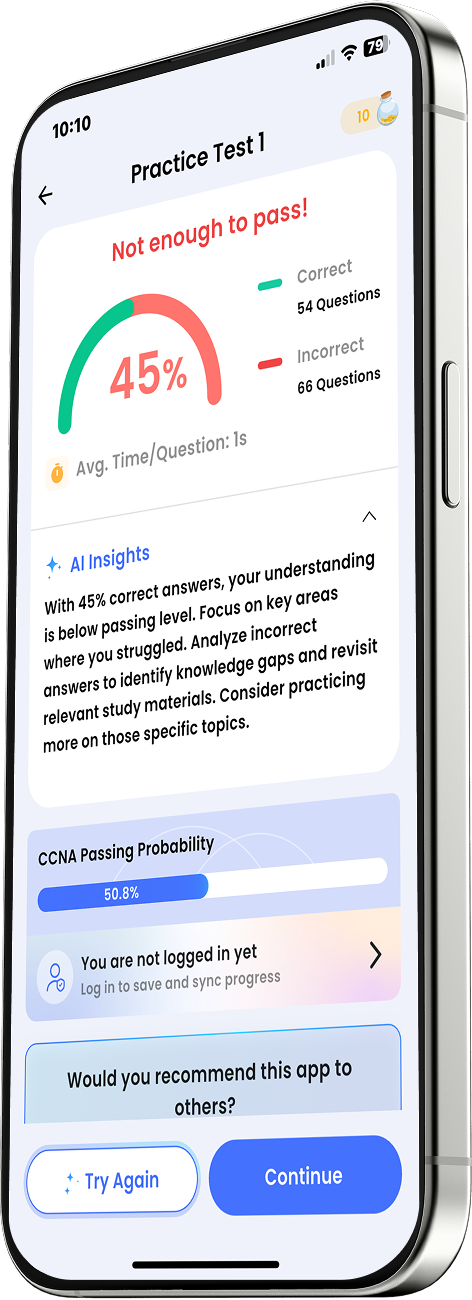
Grasping the intricacies of network access is essential for anyone pursuing the CCNA certification. The CCNA Network Access Practice Test provides an immersive way to reinforce key concepts, practice configuration tasks, and develop problem-solving skills that translate directly to real-world networking scenarios. This free resource allows you to identify knowledge gaps, gain hands-on confidence, and systematically prepare for your exam. By integrating this practice test into your study routine, you can move from understanding theory to applying it effectively, laying the foundation for a successful networking career.
What’s covered in our CCNA Network Access Practice Test?
This practice test is designed to replicate the scope and complexity of the official CCNA exam, focusing on practical skills and conceptual clarity. Core topics include:
VLAN configuration & verification
Configure and verify standard VLANs across multiple switches.
Manage access ports for both data and voice traffic.
Understand the default VLAN and implement inter-VLAN connectivity to enable communication between different VLANs.
Interswitch connectivity
Configure trunk ports to carry multiple VLANs between switches.
Apply 802.1Q encapsulation for VLAN tagging.
Identify and set the native VLAN for untagged traffic.
Layer 2 discovery protocols
Configure and verify Cisco Discovery Protocol (CDP) and Link Layer Discovery Protocol (LLDP) for network device identification and topology mapping.
EtherChannel implementation
Configure and verify Layer 2 and Layer 3 EtherChannel using LACP to aggregate multiple physical links into a single logical link for redundancy and increased bandwidth.
Spanning Tree Protocol (Rapid PVST+)
Interpret root ports, root bridge (primary/secondary), and other port roles in a spanning tree.
Understand port states, including forwarding and blocking.
Implement PortFast on edge ports to reduce STP convergence time.
Apply STP security features: root guard, loop guard, BPDU filter, and BPDU guard to prevent network loops and misconfigurations.
Cisco wireless architectures & AP modes
Understand wireless LAN designs and different access point operational modes (local, lightweight, bridge, monitor, etc.).
WLAN physical infrastructure
Describe connections between access points, wireless LAN controllers, access and trunk ports, and link aggregation (LAG).
Ensure correct physical and logical deployment to optimise wireless coverage and performance.
Network device management access
Access and manage network devices through Telnet, SSH, HTTP, HTTPS, and console connections.
Configure centralised authentication using TACACS+ and RADIUS.
Use the WLAN GUI to configure client connectivity, create WLANs, and set security parameters.
Apply QoS profiles and advanced settings to optimise wireless performance.
The CCNA Network Access Practice Test enables learners to practice extensively, identify weak areas, and gain confidence before the official exam. By combining theoretical understanding with practical exercises, candidates can improve retention, enhance problem-solving abilities, and confidently apply skills in real network environments.